
F-12-139 View Order History
🎯 PURPOSE
Clinicians are responsible for reviewing current provider orders on each visit. This process outlines how to access the order history from the medical record. Refer to F-12-123 Review Client Snapshot for details on how to access order history from the Client Snapshot.
🔄 PROCESS
-
Go to Menu:

-
Select Medical Records:
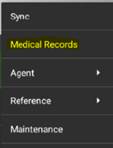
-
Select Client:
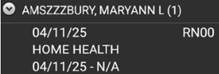
-
Select Order History:
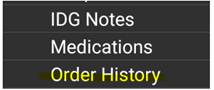
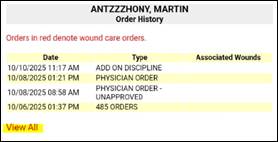
- View Order History:
-
Select the date of the order to view the specific order:
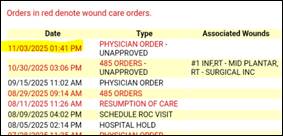
-
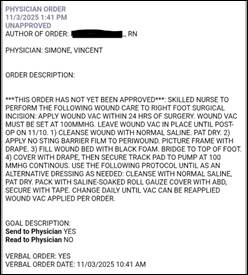
The order details will display:
-
Select View All to scroll through all orders:
-
Orders noted as “UNAPPROVED” reflect orders that have been obtained/entered but not yet reviewed by the supervisor in the back office.

-

📅 Effective: 11.05.2025 | 🛠️ Revised: 10.27.2026 | ✅ Approved: JS