
F-12-705 Add Unlisted Medications
🎯 PURPOSE
Unlisted medications can only be entered in PointCare in an order within a visit. They cannot be added to orders created from the Medical Record.
🔄 PROCESS
-
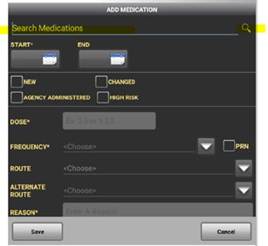
In a visit, enter the medication and then select the magnifying glass:
-
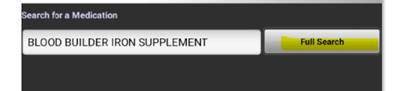
Enter the full medication name and select Full Search:
-
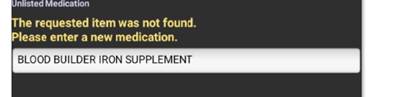
Screen will indicate item was not found:
-
Down at the bottom of that screen, select Add Unlisted Med:

-
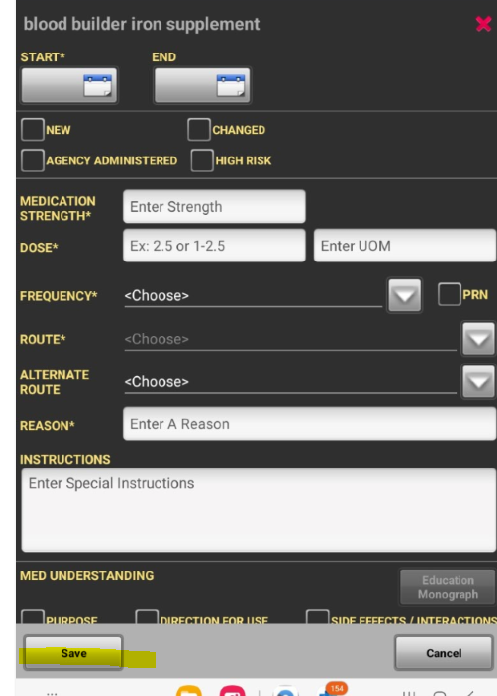
Enter the details of the new medication and then select Save:
- When the clinician syncs the visit, Clinical Supervisor will get a workflow task to Add Unlisted Medication. They will need to process that task and it will add the medication to the database.
📅 Effective: 10.27.2026 | 🛠️ Revised: N/A | ✅ Approved: JS