
F-12-129 Review Coordination Notes
🎯 PURPOSE
Describes how to view patient coordination notes in PointCare.
🔄 PROCESS
- Select Medical Record:
-
From menu:
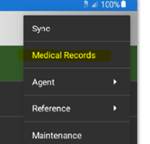
-
From within a visit:
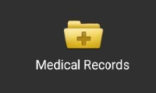
-
-
Select appropriate patient:
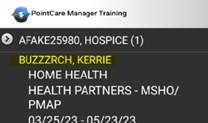
-
Select Coordination Notes:
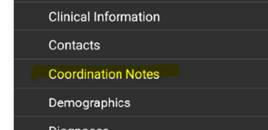
-
Select option to filter view:
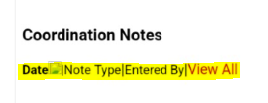
- Date: filters by date of note
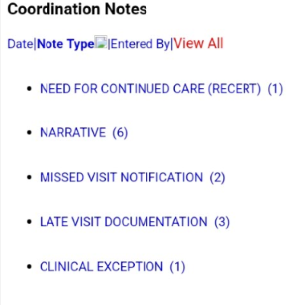
- Note Type: filters by name of coordination note
- Entered By: filters by name of worker who entered the note
- View All: lists all coordination notes
- View Coordination Notes:
-
When filtering by note type or date, select the specific item you want to view and all notes in that category will open to review.
-
📅 Effective: 10.16.2026 | 🛠️ Revised: N/A | ✅ Approved: JS