
O-12-823 Create Coordination Notes in Point Care
🎯 Purpose
Coordination notes can be completed in PointCare and synced to the back office to incorporate into the medical record. Some note types also route to specific Responsible Positions for additional tasks and follow-up to be completed. Refer to O-12-911 Coordination Notes Tipsheet for specific details.
In PointCare, clinicians can complete Coordination Notes in one of two ways:
1. From the Medical Record (outside a visit)
2. From the Visit
Coordination notes entered from within a visit will not sync to the back office until the associated visit is synced. Coordination notes entered from within the medical record will sync to the back office the next time the clinician syncs their PointCare device.
Some note types, such as Client Admission Report and Scheduler Notification Notes, are essential to be synced immediately for more rapid communication. Other coordination notes are appropriate to be synced at the time the visit is completed.
🔄 Process
-
Add coordination note from Medical Record (outside a visit)
-
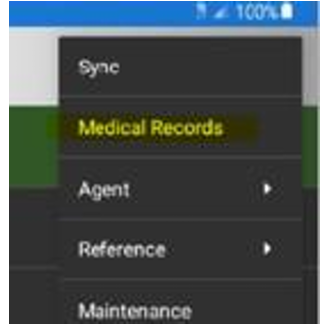
From Menu, select medical record
-
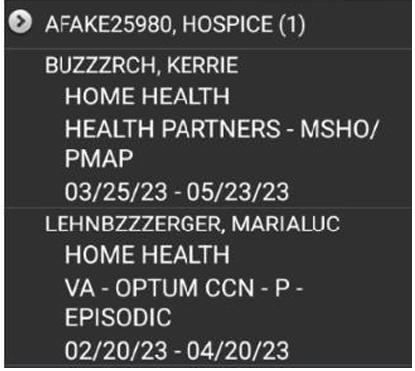
Select appropriate patient:
-
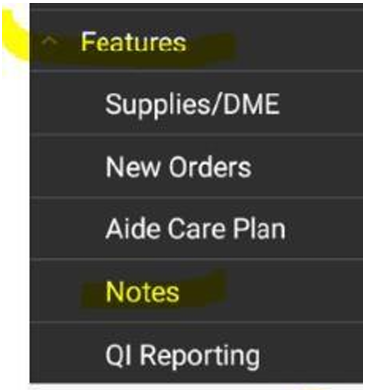
Scroll down to Features and select Notes:
Add coordination note from within a visit
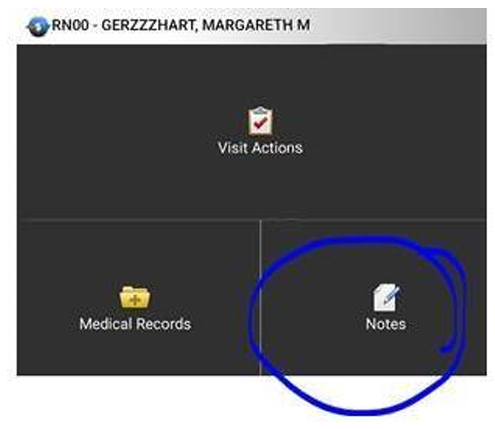
From Visit Action Screen, select Notes:
Select Add:

Once “Notes” has been selected, select appropriate note type and document
Select drop-down menu to choose note type:
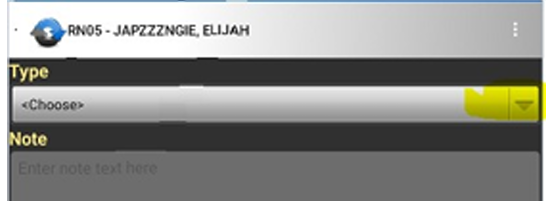
Select appropriate note type:
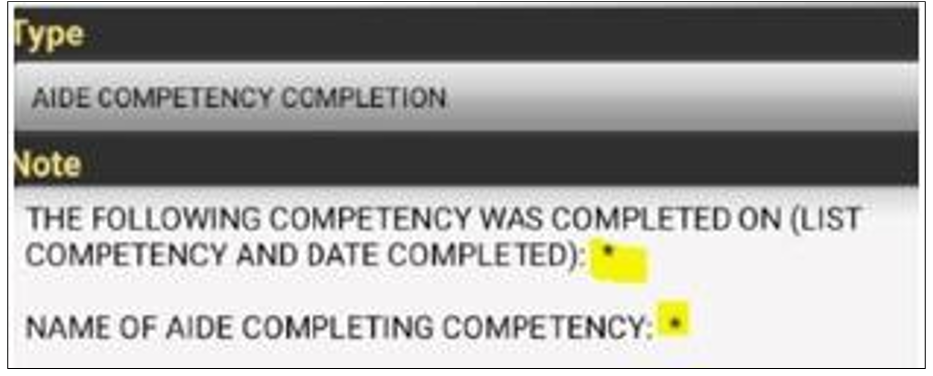
Complete coordination note:
-
All * (asterisks) must be completed
-
-
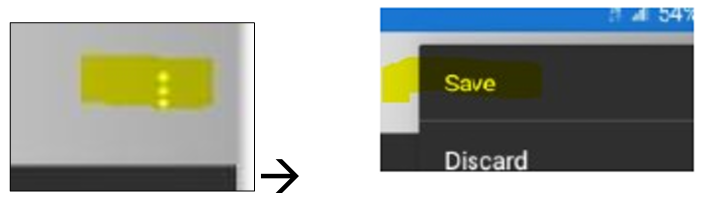
Save.
-
-
Sync device.
📅 Effective: 07/29/2024 | ✅ Approved by: JS