
F-9-400 Forcura Mobile Log-In
🎯 Purpose
Forcura Mobile is an application installed on the PointCare device that is used to complete electronic versions of Adara paperwork and directly upload them to the office. Forcura Log-In information is generated by the office and clinician will receive an e-mail with log-in and password update instructions.
🔄 Process
- Select Forcura icon to login:

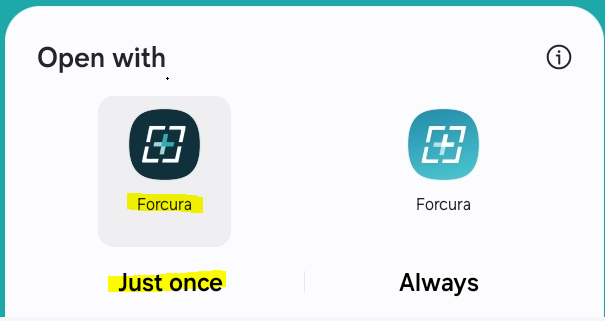
- If prompted, select correct icon and select Just once:
- Select Get Started:

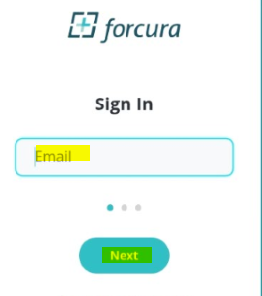
- Enter username (email) and select Next:
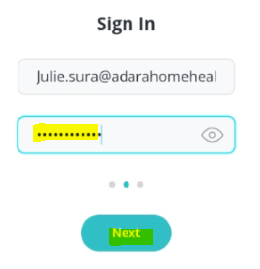
- Enter password and select Next:
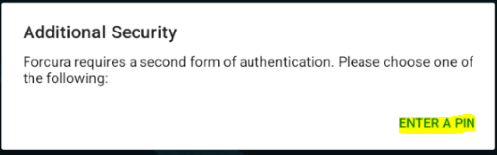
- Select Enter a Pin:
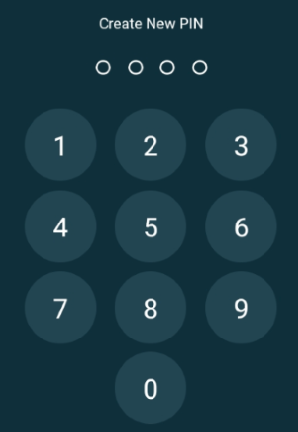
- Create 4 digit pin and re-enter when prompted:
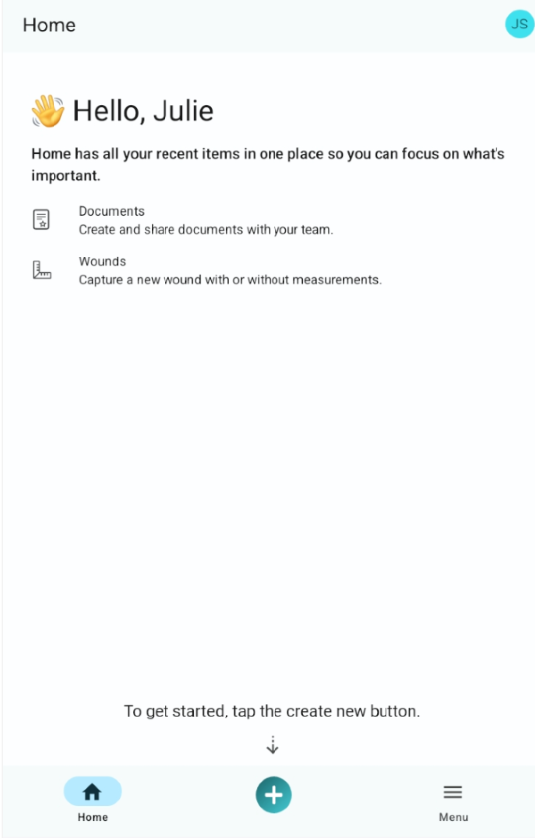
- User is signed into Forcura:
- Once logged in, user will be prompted to use PIN on subsequent log-ins.